The four tabs and snooze
What Alia, Active, Snoozed and Done each hold, and how to snooze a conversation until a time you pick.
Practice inbox
Alia6Active3Snoozed1Done
Click here, then use your keyboard
Click the window, then press the keys. It reacts the way the app does.
Step 1 of 7
Go to the Snoozed tab
G, then Z
Quick filter
Every tab shows the whole workspace. The Quick filter — Everything, Unassigned Only, Assigned Only, Mentions— narrows the list to the conversations you want to see.
The product says
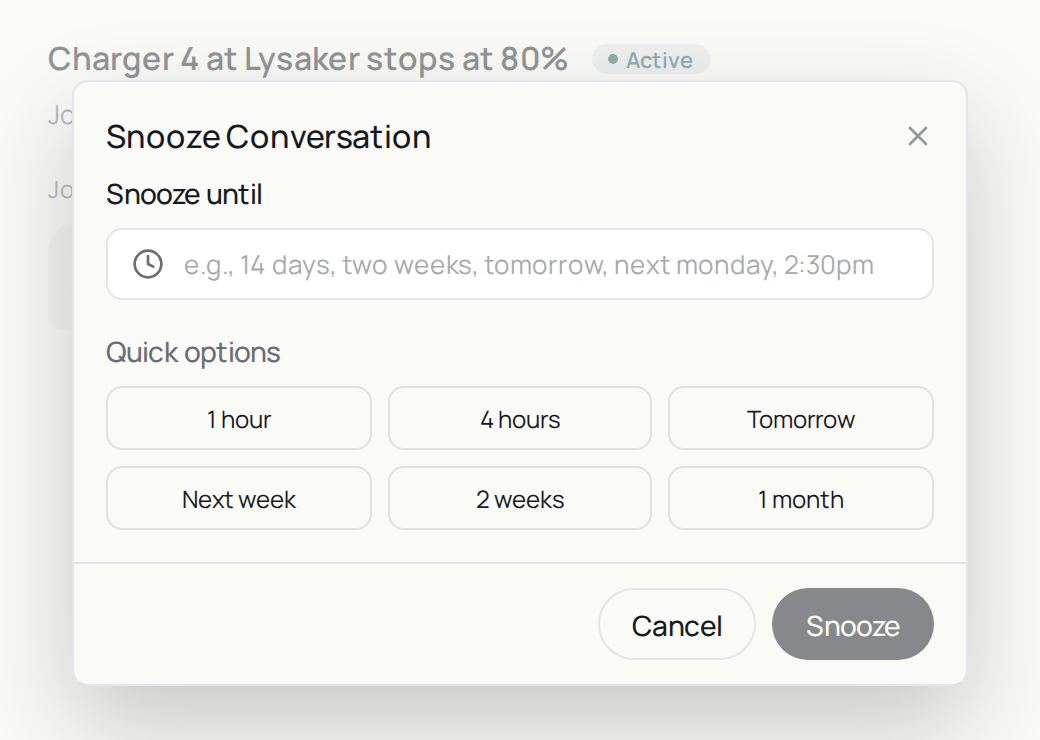
“e.g., 14 days, two weeks, tomorrow, next monday, 2:30pm”
Do it now
Press Z on one conversation and snooze it until tomorrow.