Getting started with Atender
Eight short lessons. Most of them have a practice inbox where you press the real keys and see what happens.
Press D and the conversation moves to Done. It comes back to Active if the customer replies.
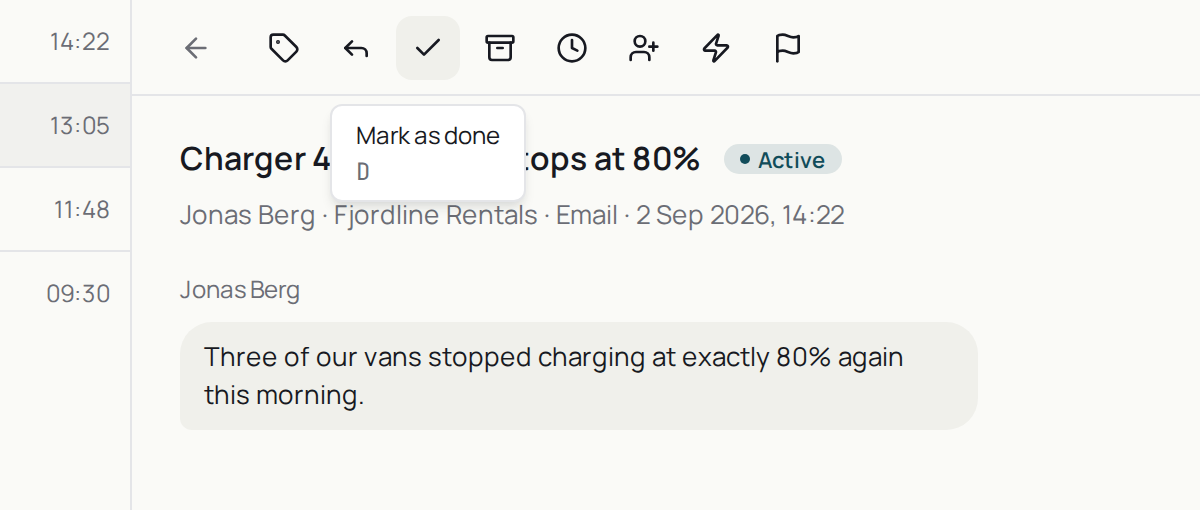
Mark it as done
What pressing D does to a conversation, and why a done conversation comes back to Active when the customer replies.
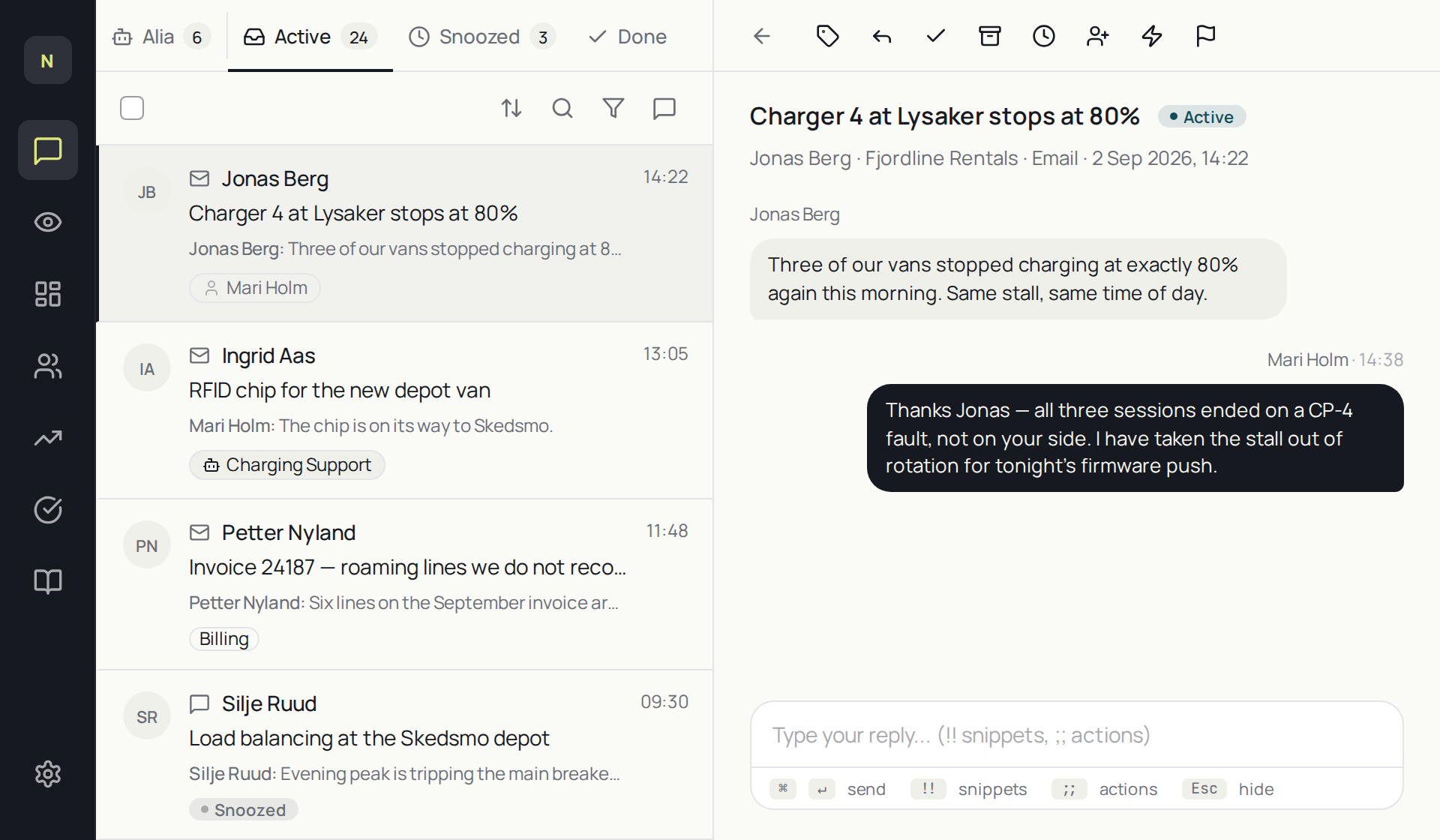
Reply to a conversation
How to open a conversation, write a reply, send it, and mark it as done without leaving the keyboard.
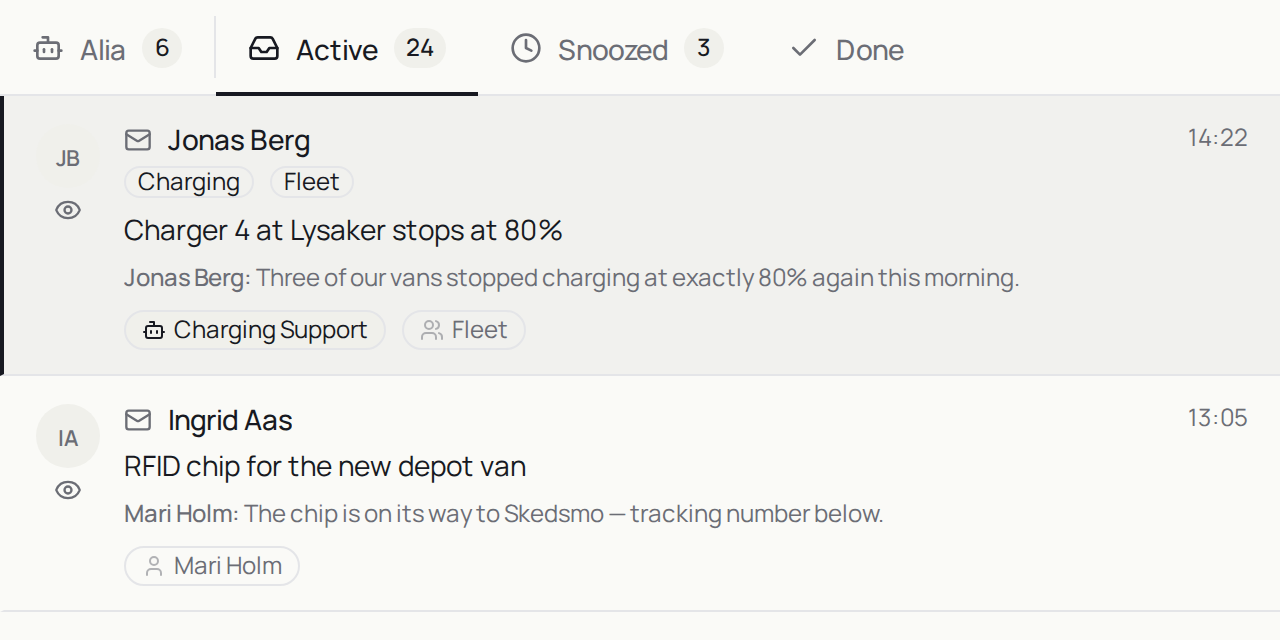
The four tabs and snooze
What Alia, Active, Snoozed and Done each hold, and how to snooze a conversation until a time you pick.
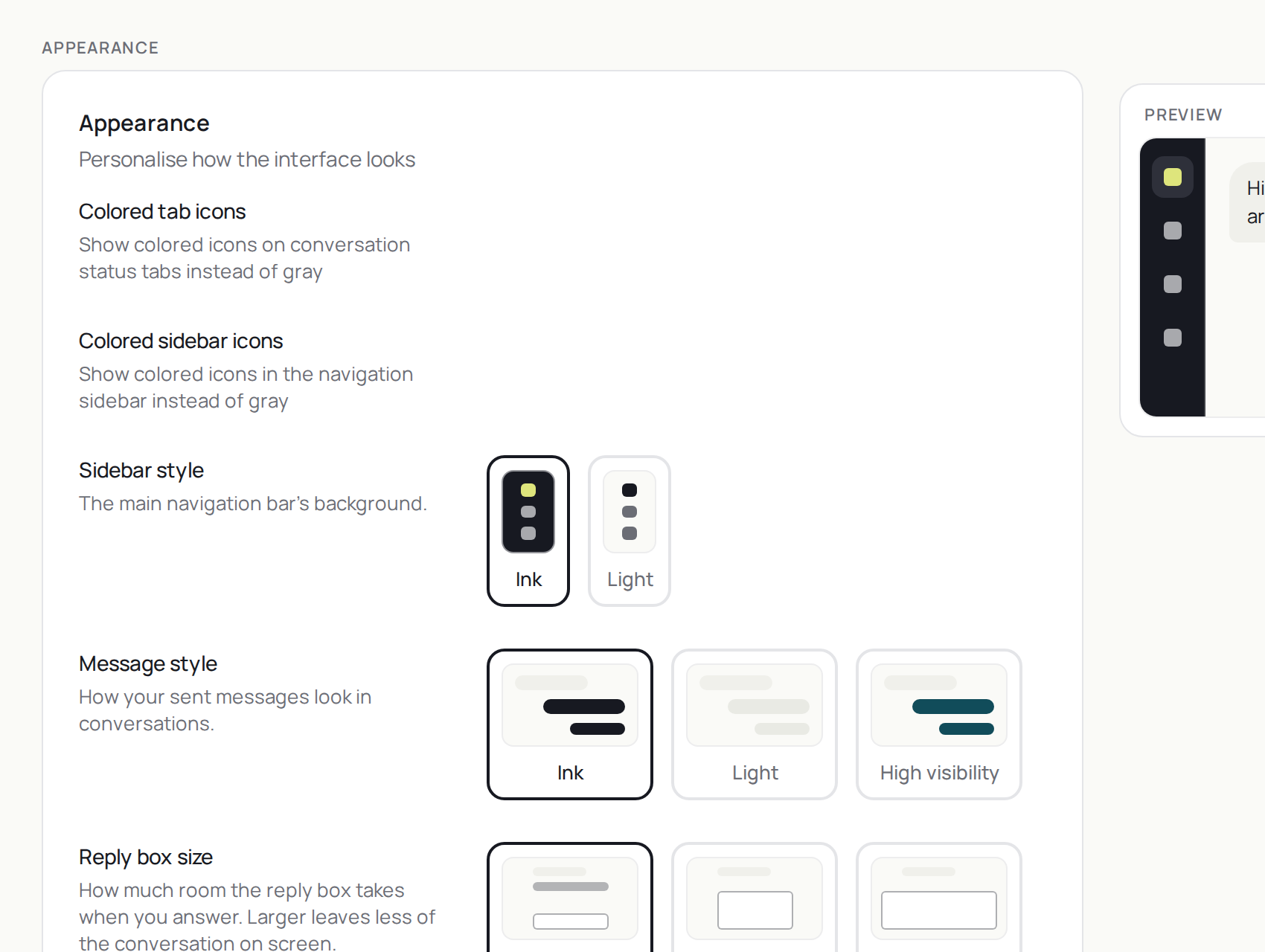
Your preferences
The settings that change how the workspace looks, where dark mode lives, and where you land after marking a conversation as done.
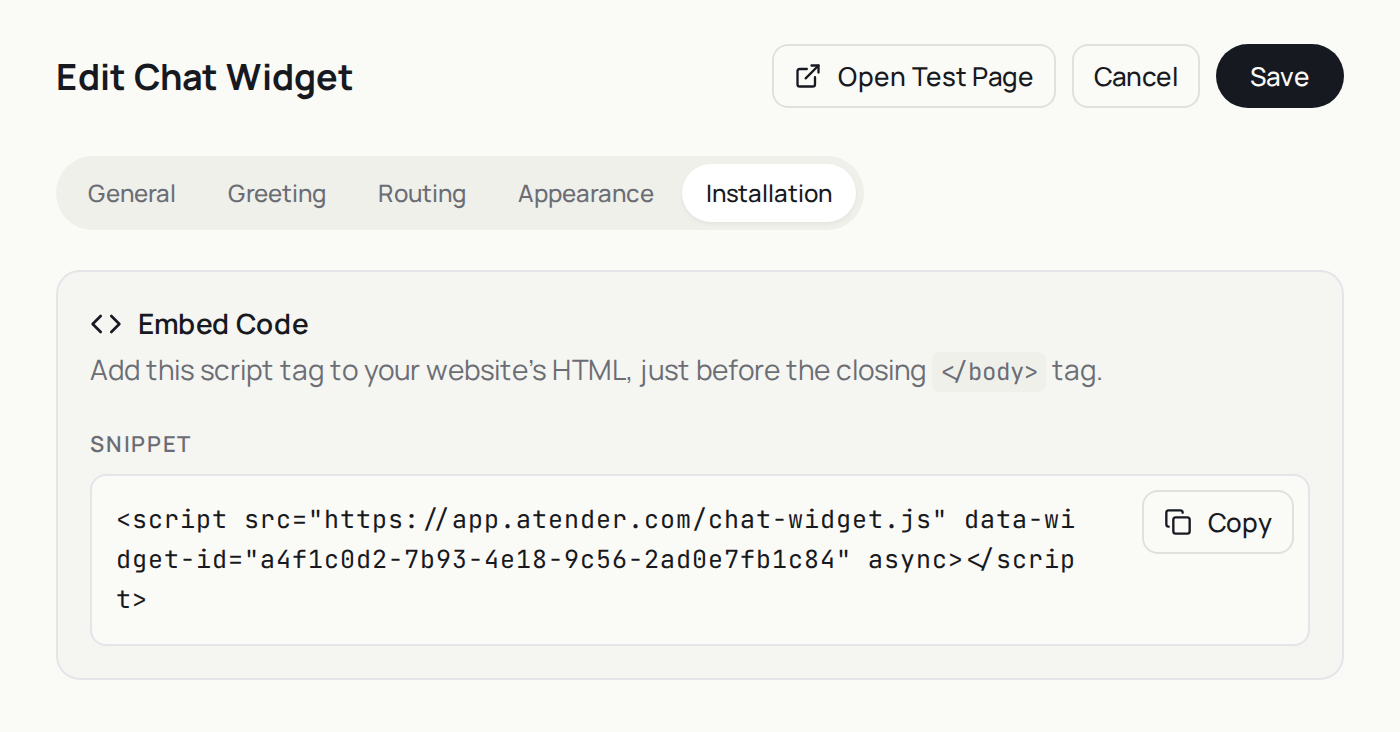
Send yourself a test message
How to send yourself a chat from your test page and an email to your Atender address, and what happens when each one arrives.
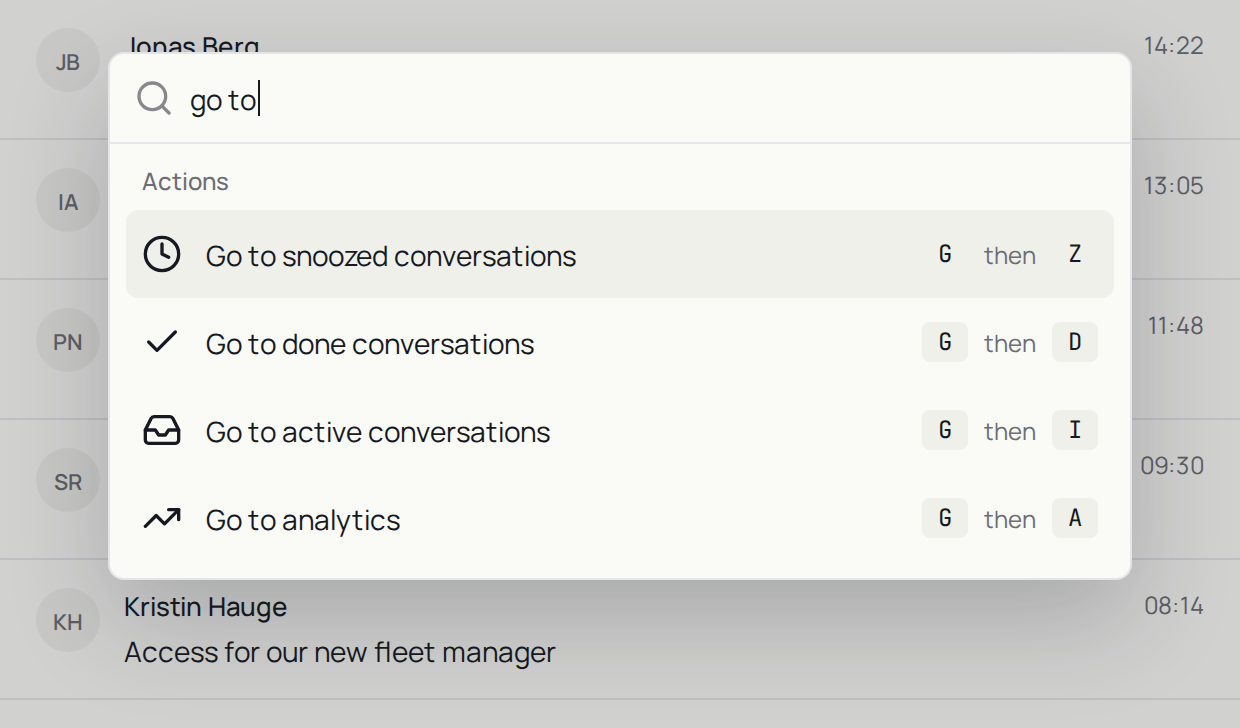
The command palette and shortcuts
How to open the command palette, find an action by typing what you want, and use the key it shows beside each row.
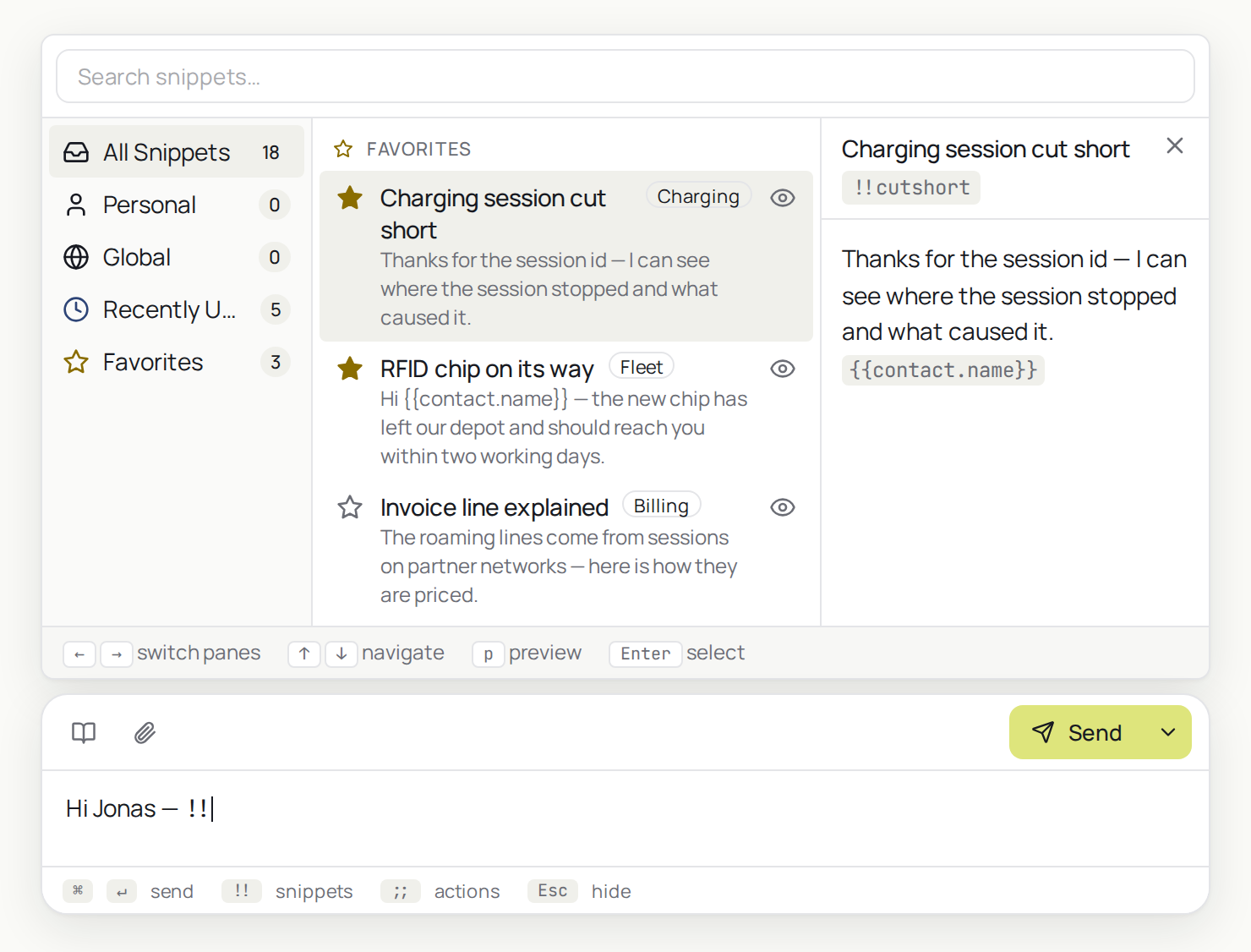
Snippets, macros and tags
Text you reuse, a set of actions you apply in one go, and a label that says what a conversation is about — and the key that opens each one.
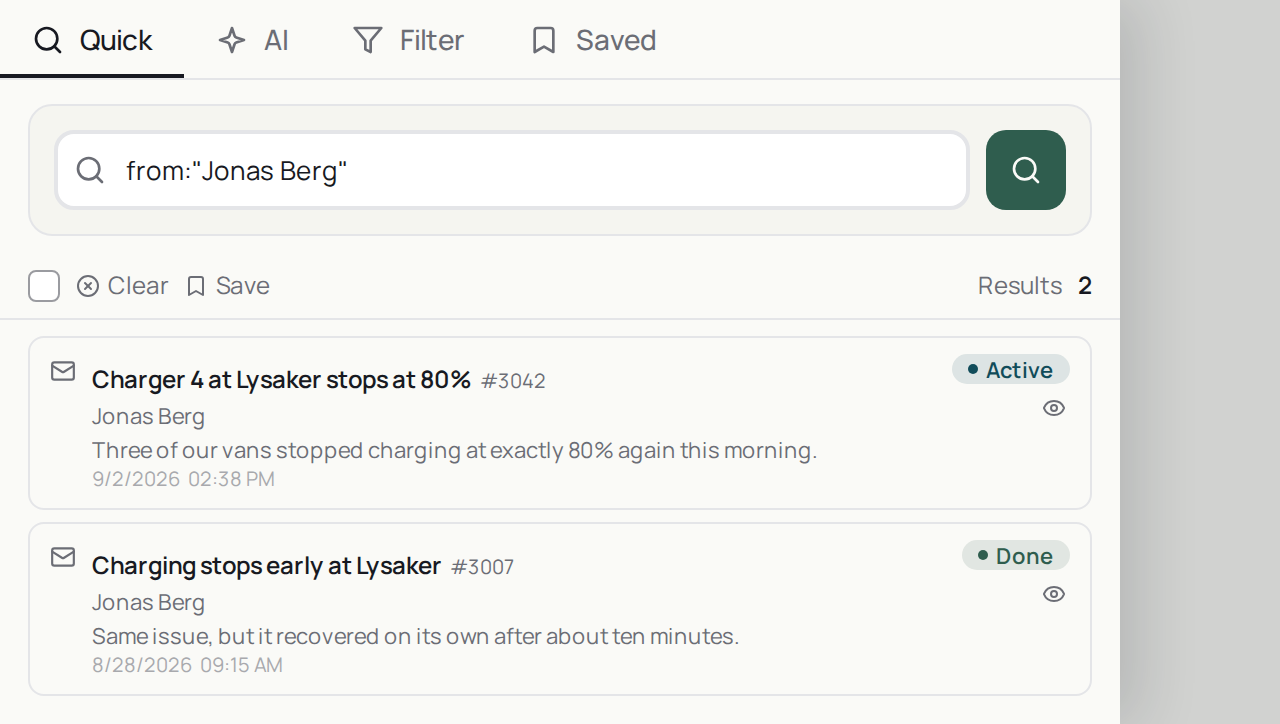
Search
How to open search with /, narrow it with an operator, save the search, and ask the AI search a question in plain words.