Your preferences
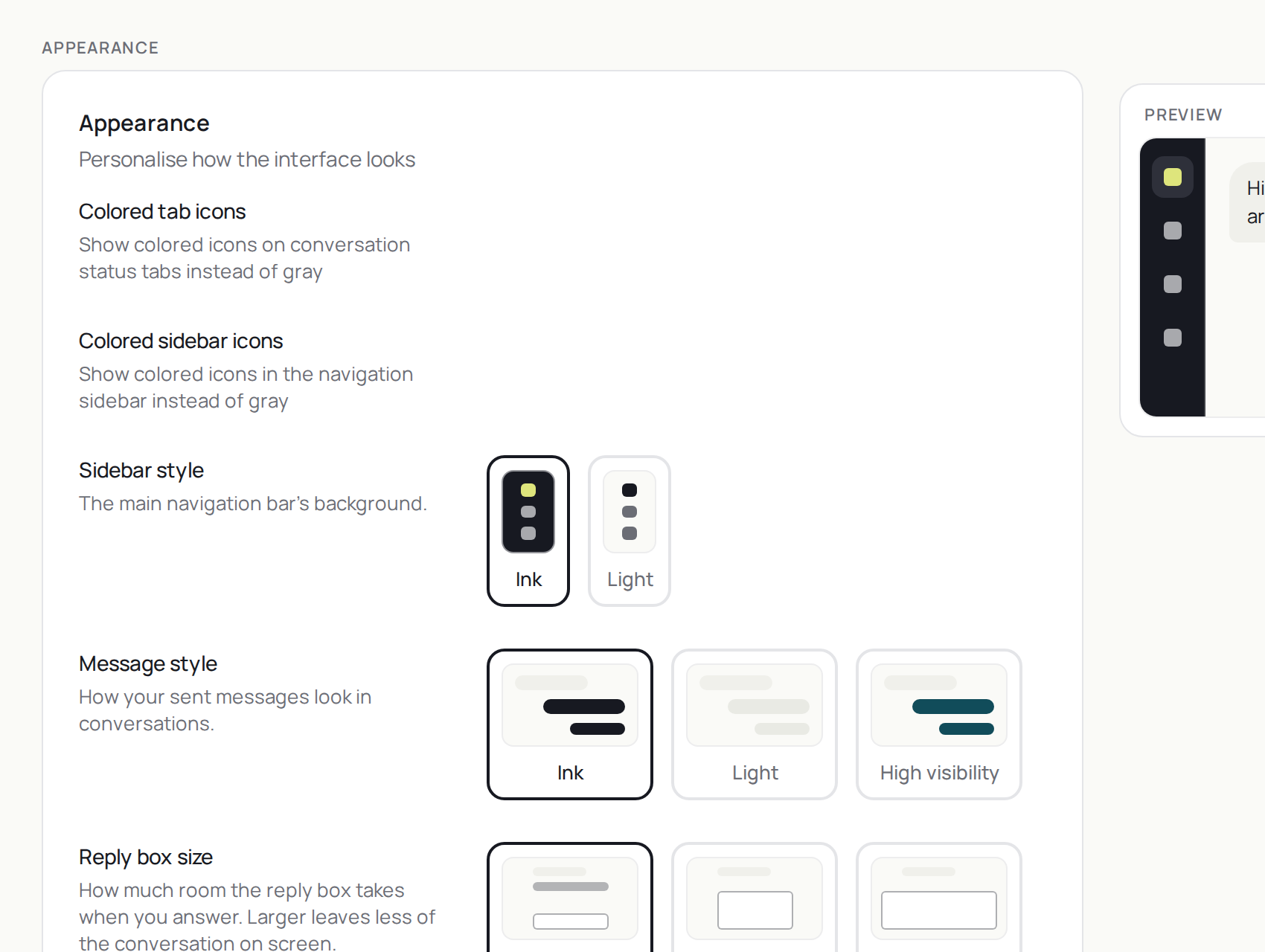
The settings that change how the workspace looks, where dark mode lives, and where you land after marking a conversation as done.
Practice inbox
Alia6Active3Snoozed0Done
Click here, then use your keyboard
Settings opens in the same window. What you save here changes the window you are looking at.
Step 1 of 11
Open Settings
G, then ,
Two more things
GthenF switches between full-screen conversations and the two-pane layout, where the list stays beside the thread.
GthenM is Minimalist mode: the action bar drops every icon that already has a key, and keeps the rest.
The product says
“Next conversation” follows your current filters and sort order.
Do it now
Set "After marking as done" to "Next conversation".