Introducing the Customer Portal
One signed-in page where the people at a customer company read and answer every conversation their company has with you — showing exactly what is already in their mailbox, and nothing else.
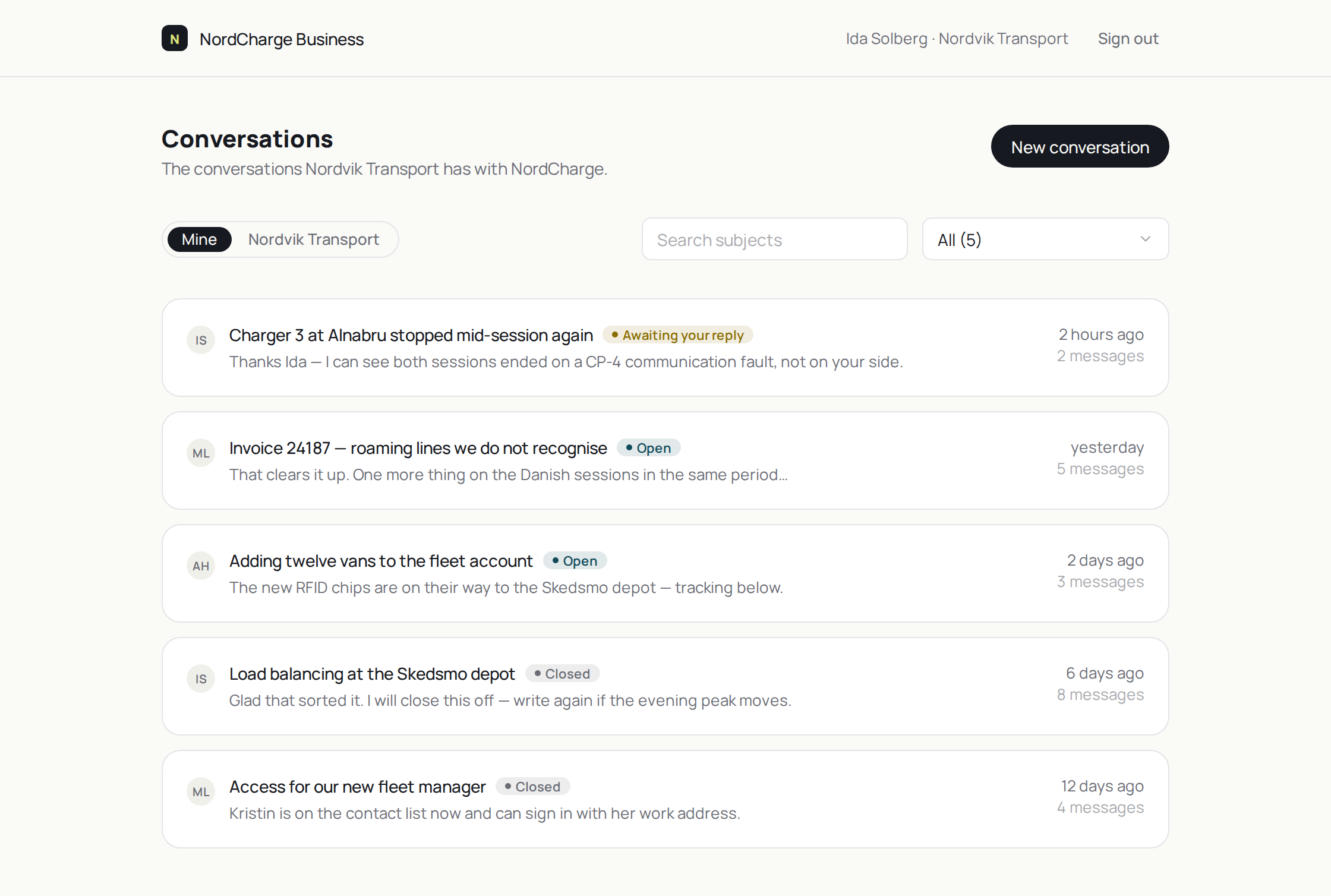
The people at your customer companies now have one signed-in page for every conversation their company has with you — showing exactly what is already in their mailbox, and nothing else.
Support arrives one inbox at a time. Three people at the same customer company write to you in the same week, and each sees only their own thread. Nobody there knows what a colleague already asked, so somebody forwards a thread, somebody else asks again, and your team answers it twice.
Signing in, and who gets in
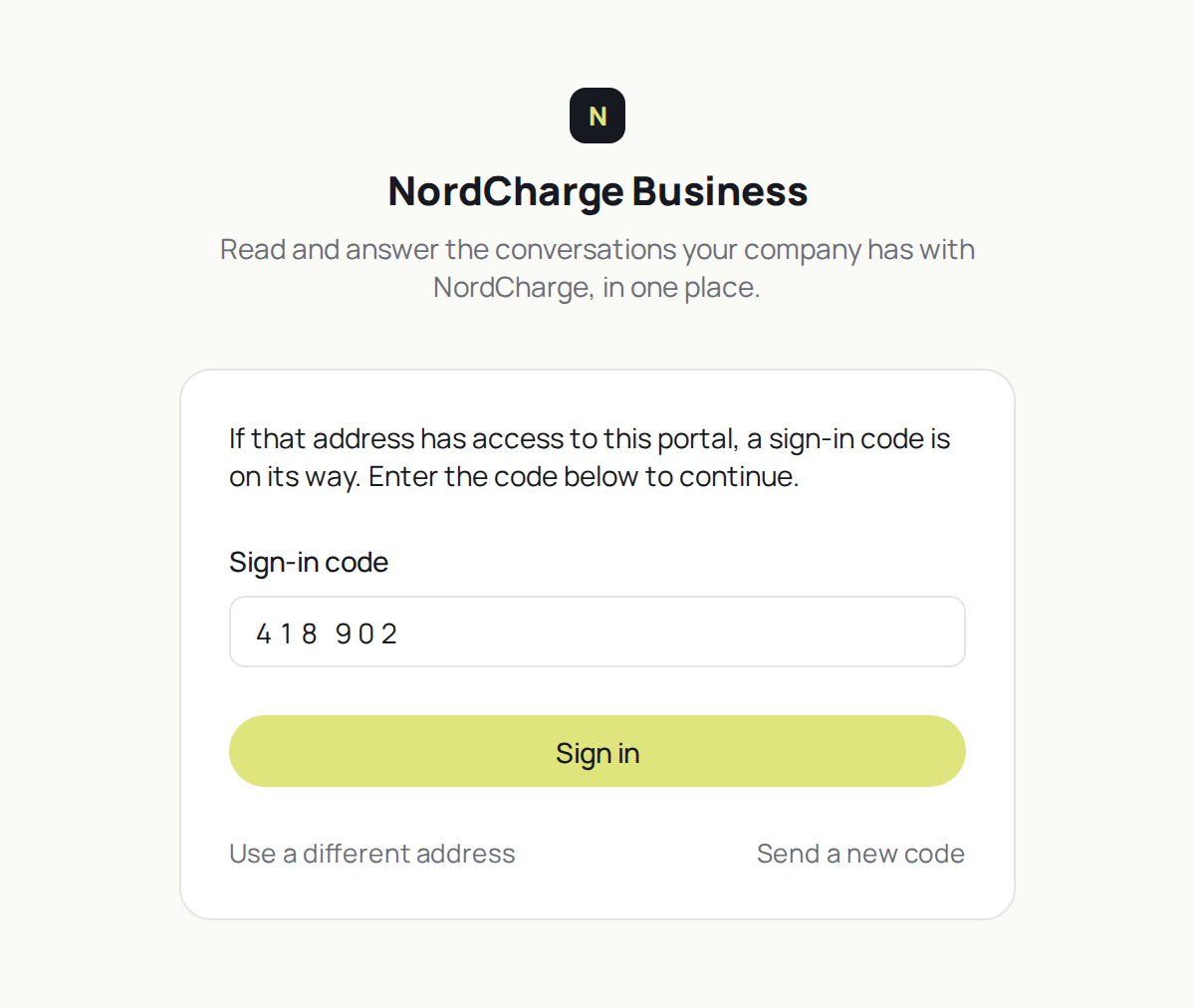
No passwords and no accounts. A person types their work email, a one-time code arrives from your own domain, and they are in. Who may do that is your CRM contact list, and only that — there is no second list to keep in step with it, and nothing has to expire, because when the mailbox goes the portal goes with it.
What one person sees
Two settings decide it, and both start narrow.
- What they see. Their own conversations, or every conversation their company has. Their own includes the ones they were copied on: a conversation you are CC’d on is already in your mailbox, and a portal that mirrors the mailbox should not pretend otherwise.
- What they can do. Read only, or read and reply. This covers the conversations a person did not start; they can always answer their own.
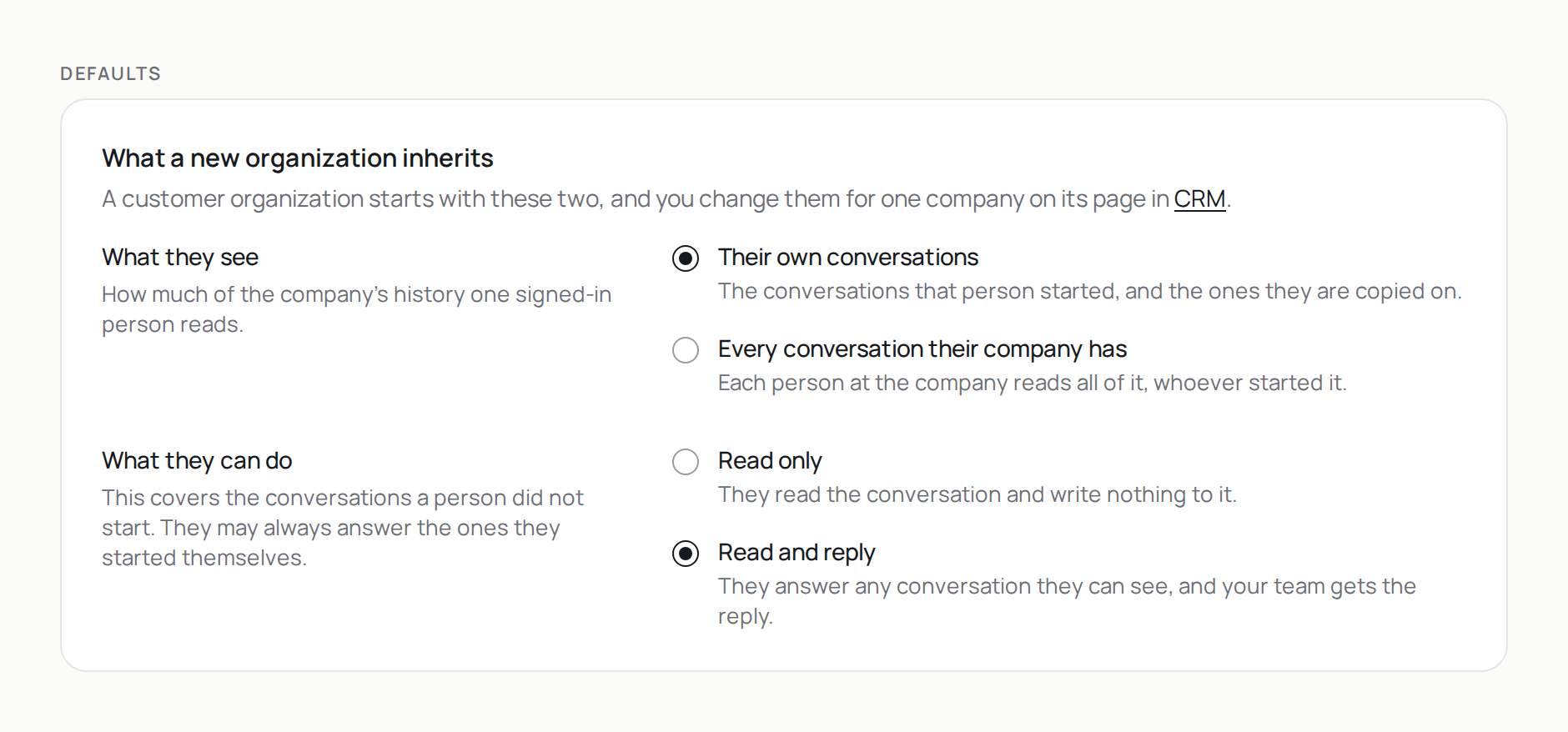
Turning the portal on for your workspace opens nothing by itself — each customer company is opened deliberately, one at a time.
The mailbox, and nothing else
One rule governs all of it: the portal shows what that person already has in their own email client, and nothing more. No internal notes, no side conversations, and no reply you have written but not sent.
The status is derived, not borrowed. Your agents mark a conversation done the moment they are waiting on someone, so nothing internal can be shown as it stands. The portal says Open, Awaiting your reply or Closed, worked out from who genuinely spoke last — and never solved, because nothing in the data proves anything was solved.
Where a reply goes
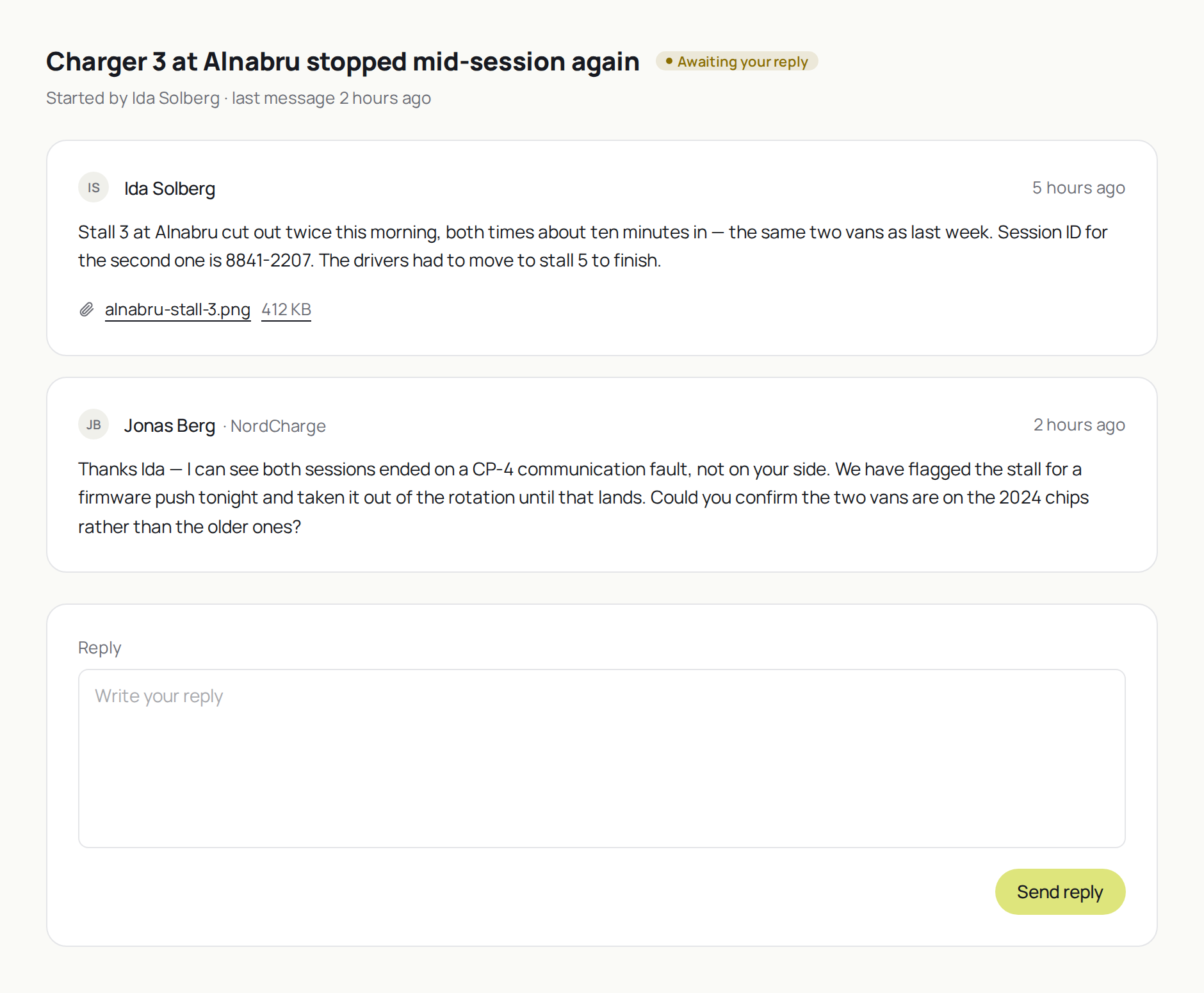
Into your inbox, as a message from the customer. A portal reply is an ordinary inbound message on the existing conversation, and a conversation started in the portal is created as an email conversation on an inbox you choose. Your team answers it as they answer everything else, and that answer goes out to the requester and every CC — so the colleagues already on the thread stay on it.
Put it inside the product you ship with our API
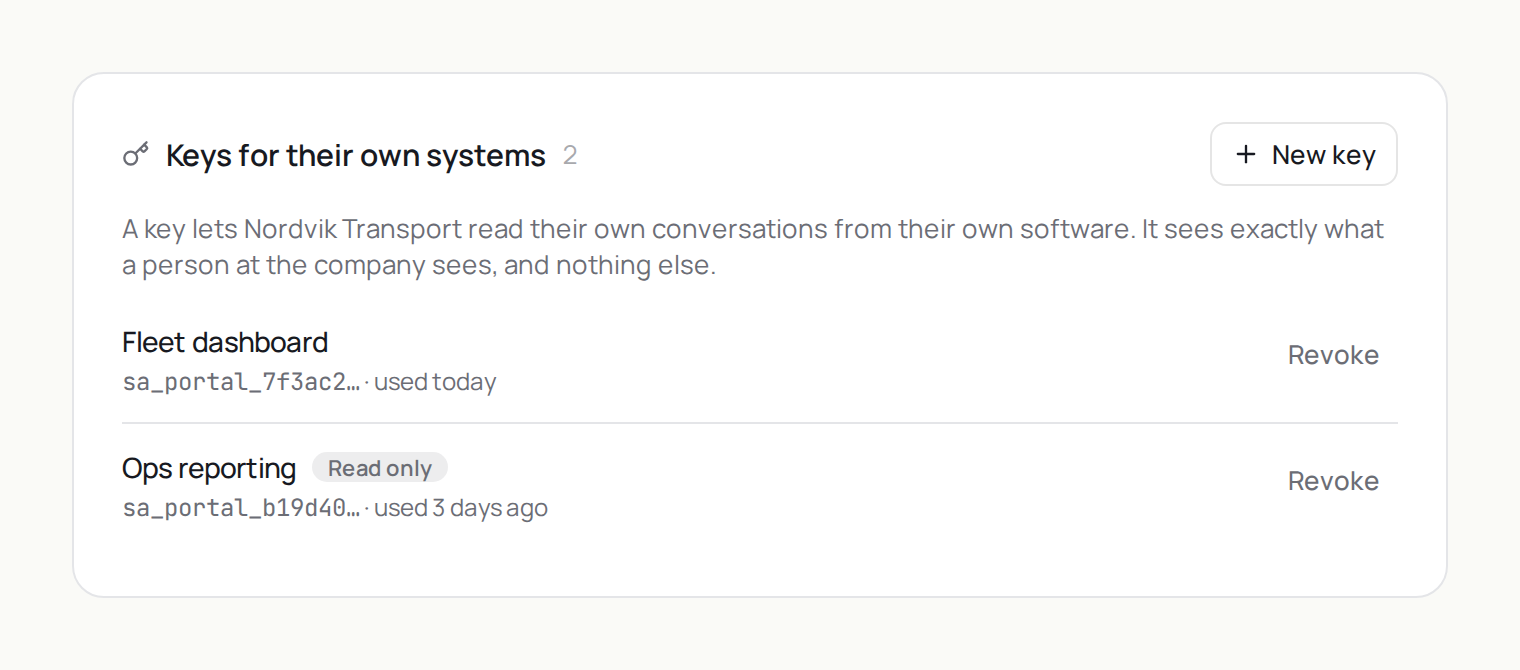
The portal is an API before it is a page. If your customers already sign in somewhere — a fleet console, a service portal, your own account area — put the same conversations in there instead of sending them to a second site. One key per customer company, minted on that company’s page in CRM, seeing exactly what the page shows and nothing more.
Coverage and limits
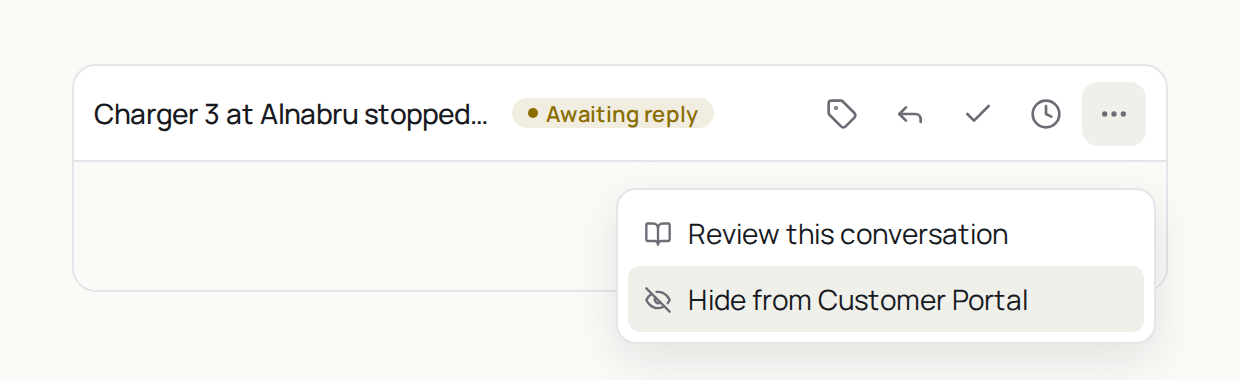
Email conversations only, for now. A phone or WhatsApp conversation carries a number rather than an address, so there is no way yet to tell which portal person it belongs to — and guessing wrong here means showing one customer another customer’s conversation. A reply from the portal reaches your team, not your Agent Stack. And any conversation can be kept out of the portal from the conversation menu.
How it fits, and what’s next
Your knowledge base answers the question nobody needs to ask; your status page tells everyone at once when something is broken. The portal is the third surface your customers reach — the signed-in one, where their own history lives. All three run on your own hostnames, under Custom Domains. Next is the rest of the channels, so the portal shows a company everything it has with you rather than everything it has written.
Available now, per workspace and per customer company. Turn it on under Settings → Customer Portal, choose the inbox portal conversations arrive in, then open it for a customer on its page in CRM. Want it enabled for your workspace? Get in touch.